
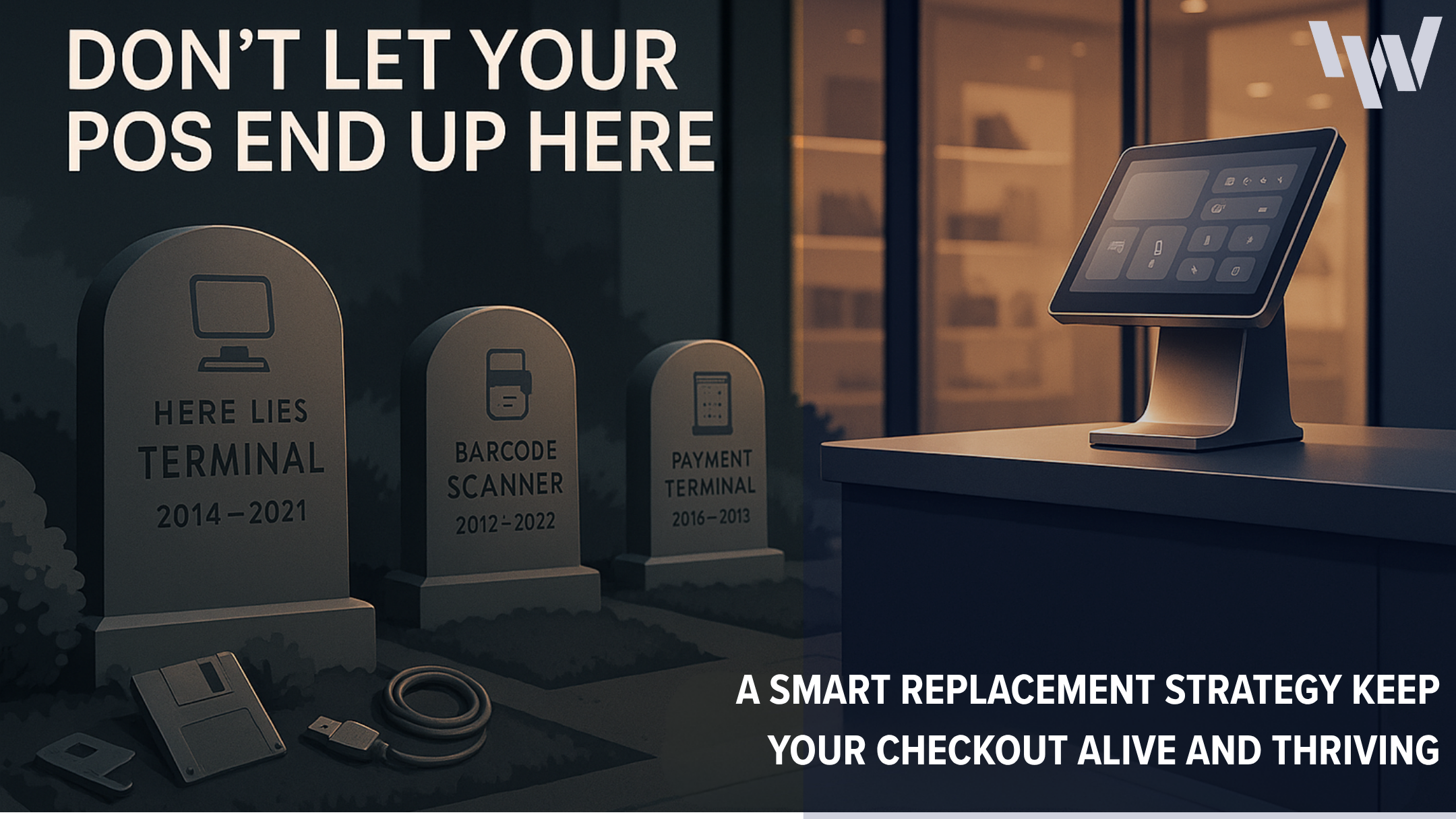
Your POS Hardware Has an Expiration Date—Here’s How to Tell When It’s Time to Replace It
The retail POS hardware lifespan directly impacts store performance and profitability. In the fast-paced world of retail, your point-of-sale system is mission-critical. When it goes down, costs add up quickly. An estimated $100,000 lost per hour, and up to $5 million according to Rand Group. From checkout to inventory management, reliable hardware is essential. Like all technology, it doesn’t last forever.
At IW Technologies, we’ve spent 50 years inside the retail trenches deploying, evolving, and future-proofing POS hardware ecosystems for industry leaders across retail, grocery, pharmacy, specialty, convenience, QSR, hospitality, big-box formats and distribution. We’ve seen the chaos, long lines and lost revenue caused by POS systems in use at the end of their lifecycle.
Retail stores can prevent unexpected disruptions by recognizing when it’s time to upgrade POS systems to prevent downtime and keep operations running smoothly. Let’s walk through the expected life of POS components and the signs that it’s time to replace it.
Understanding the Retail POS Hardware Lifespan by Component
POS Terminals
As part of understanding the retail POS hardware lifespan, POS terminals usually last between five and seven years. However, that range can shrink dramatically with heavy usage or lack of maintenance. One of the biggest determinants of POS terminal life is operating system compatibility. Once the hardware can’t run the required OS, it’s time for an upgrade.
Receipt Printers
Receipt printers generally maintain performance for around five years. But they have an advantage: common failure points like thermal printheads and rollers can often be replaced to extend the device’s life. If you notice faded print, paper jams, or slower output, replace the components. If problems persist, replace the whole unit.
Barcode Scanners
Barcode scanners typically last seven to ten years and a quality, rugged barcode scanner can be one of the longest lasting POS components. However, modern scanning demands like 2D and QR codes can quickly make older models obsolete.
Modern scanners aren’t just built to last — they’re a key driver of inventory accuracy and speed. Learn more in our blog How POS Hardware Powers Smarter Inventory Management in Retail.
Cash Drawers
Simple by design, cash drawers can last over a decade. They have few moving parts and typically only wear out due to physical damage or electrical failure. Keep them clean and handle with care, and they’ll remain reliable for years.
Payment Terminals
Due to evolving technology and the increased need for newer, higher security features like EMV and PCI DSS, payment terminals need replacing every three to five years. Staying ahead of security standards helps protect retail businesses from fraud, non-compliance penalties and transaction errors.
5 Warning Signs Your Retail POS Hardware Lifespan Is Ending
- Transaction Delays or Freezing.
- Frequent system stalls during peak hours are a clear warning that your retail POS hardware lifespan is coming to an end.
- Hardware Is No Longer Compatible with New Software
- Inability to run updated apps or POS software can cripple operational efficiency and expose you to security risks.
- Customer Complaints
If customers frequently report receipt issues, slow payment processes, or scanning failures, your POS might be to blame. Integration Challenges New cloud-based systems or payment tech may not work with outdated devices, forcing you to patch together inefficient workflows.
High Maintenance Costs
While correct maintenance and on-site break fix can extend the life of hardware, there comes a time when the repairs cost more than the hardware is worth. Compare the cost of maintaining hardware with buying new or refurbished. This helps determine when it’s time to upgrade.
How to Maximize the Lifespan of POS Hardware
POS equipment is exposed to a wide range of environments – from dust, drops, spills to extreme heat or cold temperatures – which make regular maintenance and device cleaning a necessary part of long device life, as well as:
- Install firmware updates and patches promptly.
- Train staff to handle equipment with care.
- Schedule quarterly inspections to catch early warning signs.
- Partner with vendors that offer lifecycle tracking and proactive upgrade alerts.
- Receipt printer lifecycle can often be extended by replacing failure points of thermal printheads or rollers.
Staying current with updates isn’t just maintenance. It’s security. See our tips in How to Ensure Your POS Hardware Remains Secure and Compliant with Data Privacy Regulations.
Plan Retail POS Hardware Replacements Strategically
Proactive planning can mitigate disruptions associated with hardware replacements. Conduct an annual hardware audit and prioritize high-traffic stations first. Identify devices showing early failure and decide whether to maintain or replace them.
Align hardware replacement with software upgrades so that any POS hardware that isn’t compatible with the new software is identified and replaced before it causes security breaches.
Partner with an experienced vendor who provides support throughout the entire process – from sourcing the hardware that best suits the business to staging / deployment, break-fix maintenance and responsible hardware disposal.
Cost-Effective Upgrading Strategy: Consider Refurbished Hardware
Upgrading doesn’t always necessitate purchasing brand-new equipment. Professionally refurbished hardware like IW Technologies offers is a smart, budget-friendly and sustainable alternative:
- Reduced Total Cost: Access enterprise-grade quality at a fraction of the price as new hardware.
- Performance: Units are tested, cleaned and repaired to operate like new or better.
- Eco-Friendly: Reduce e-waste and meet ESG goals with high performing hardware.
Final Thoughts
The retail POS hardware lifespan<span”> isn’t infinite, but with strategic planning, regular maintenance, and audits, you can maximize uptime and avoid disruptions.
At IW Technologies, we’ve seen all the ways hardware can fail and witnessed firsthand the disruption, frustration and revenue loss that outdated devices cause. And the damage isn’t contained in the moment that it breaks. It damages brands, trust and customer sentiment.
For nearly 50 years, we’ve collaborated with businesses across all retail sectors – big and small – to evaluate, plan, source and service POS hardware so that business operations run smoothly and remain focused on more valuable activities, like satisfying customers.
Let’s evaluate where your POS hardware stands. And where it needs to go.
